AI app store screenshot generator

Turn raw app screens into store-ready marketing shots

Give your agent a raw simulator capture or approved app screenshot. AppStore Copilot can create the marketing treatment, generate a coherent set, adapt device sizes, and localize the visible marketing copy.

Screenshot treatment

6.9-inch iPhone · English

Source
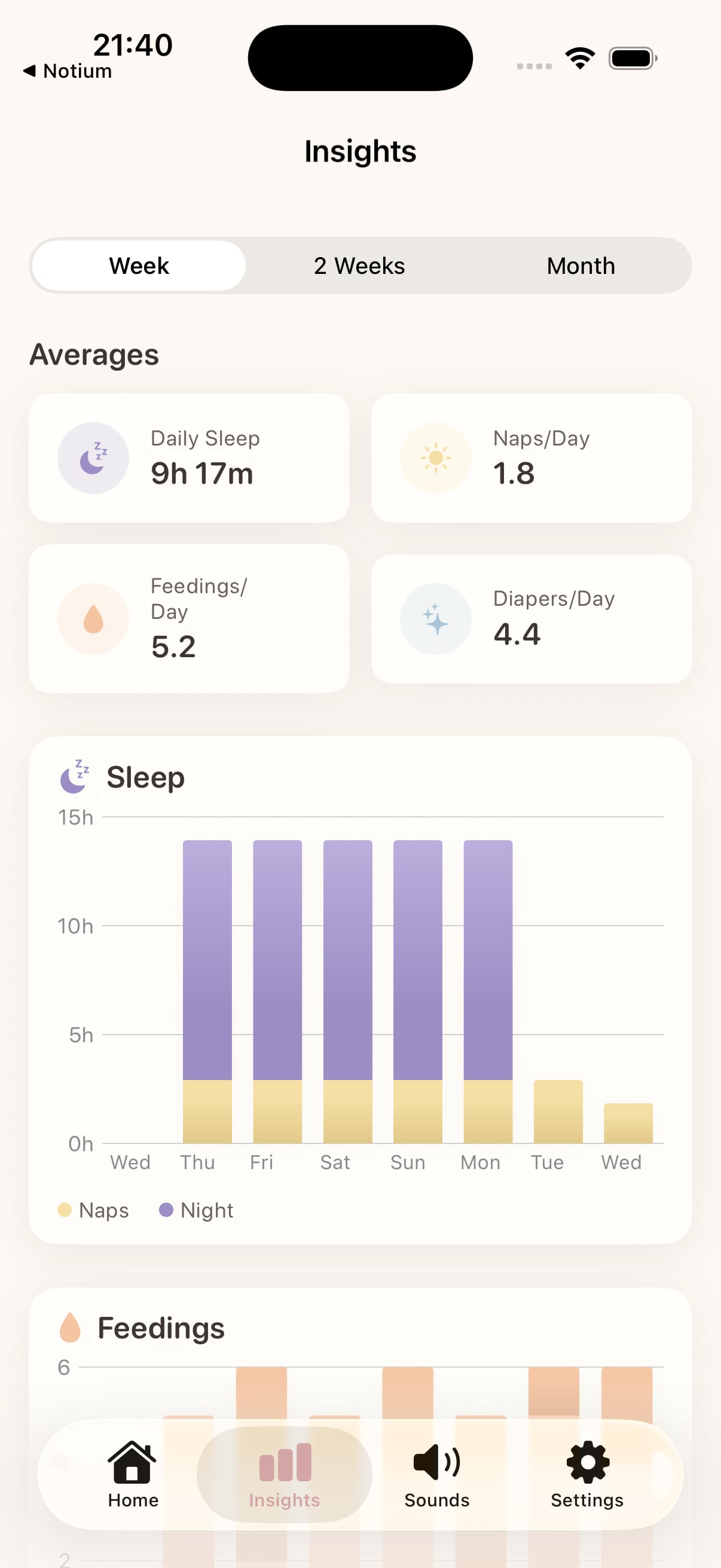
Raw SnoozyBear app analytics screen
Generated
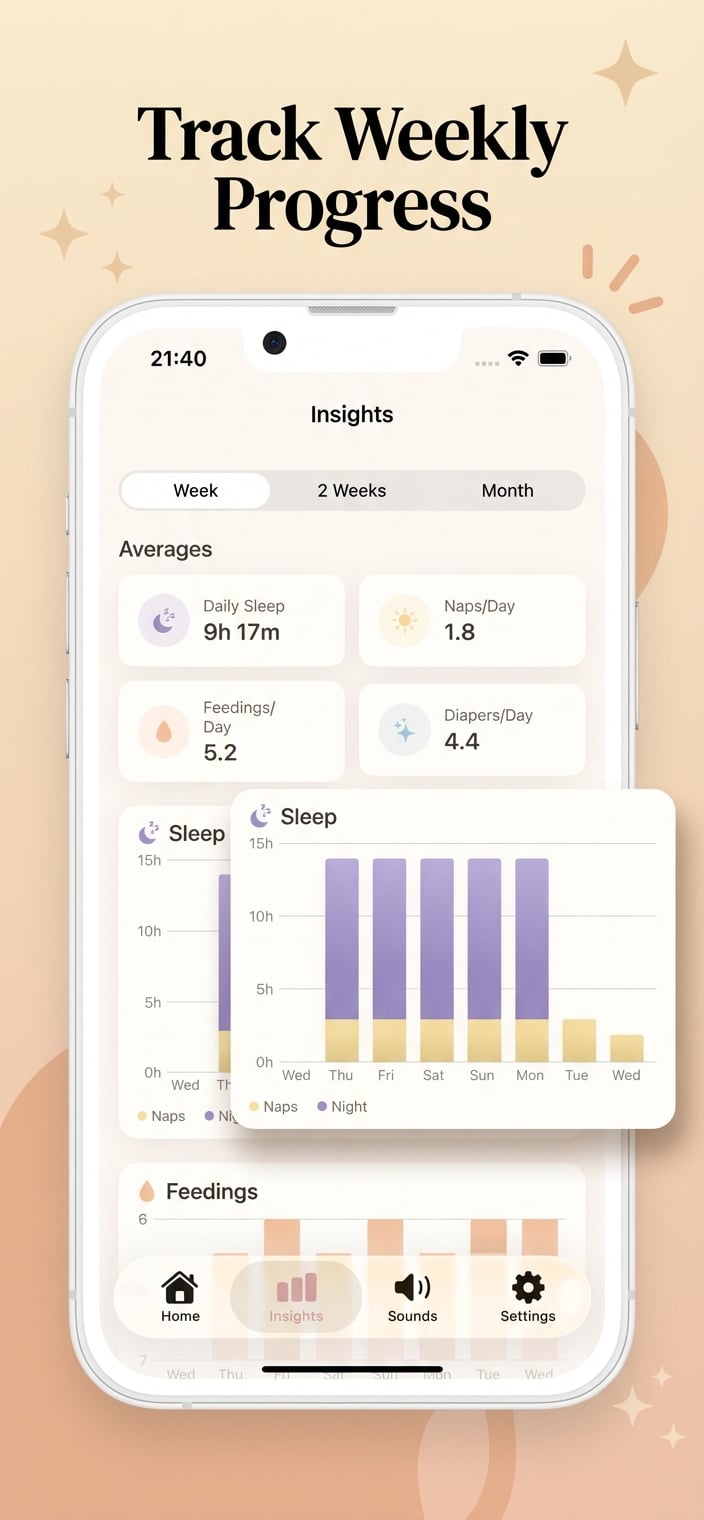
Finished SnoozyBear App Store marketing screenshot
Product UI preservedReady for review
01

Design the set as one story

A store screenshot set needs more than decoration. The opening frames should establish the benefit, later frames should prove the product, and every visual should feel like part of the same campaign.

AppStore Copilot lets the agent work from real app screens and a selected visual direction. It can suggest benefit-led headlines, create individual variants, or build an ordered set while preserving the underlying product UI.

  • Start from raw simulator captures or existing store screenshots
  • Generate benefit-led marketing treatments and coherent sets
  • Resize for supported App Store and Play Store device targets
  • Translate marketing copy without rewriting the in-app interface
  • Review, repair, approve, and publish through one project context
02

Keep the interface truthful

Generated scenery and marketing copy can change, but the product shown inside the device should remain recognizable and accurate. Real screenshots provide the proof; the marketing treatment gives that proof a clearer hierarchy.

If a screen or claim is missing, the agent can identify the gap instead of inventing a feature that is not present in the app.

03

Localize the message and the artwork together

Long translations can break layouts that worked in English. AppStore Copilot supports short marketing translation, per-frame instructions, and text-length policies so the localized set can be reviewed as visual work rather than exported as unchecked text.

The workflow

01

Upload the source

Choose the raw screen or approved screenshot the finished creative must preserve.

02

Set the direction

Describe the audience, benefit, visual style, and any copy or product constraints.

03

Generate and inspect

Create the shot or complete set, then compare the rendered result with the source UI.

04

Localize and ship

Adapt required locales and device sizes, review the final set, and approve store publishing.

Questions

What teams ask first.

Can AI create App Store screenshots from raw app screens?
Yes. AppStore Copilot can use raw app screens as the product proof, then create benefit-led marketing artwork and copy around them for App Store and Google Play.
Can I generate a complete screenshot set?
Yes. The agent can plan and create an ordered set rather than treating every screenshot as an unrelated image, then return the set for human review.
Can AppStore Copilot localize screenshot copy?
Yes. It can translate the marketing layer, preserve the in-phone interface when requested, and apply text-length constraints before the localized artwork is approved.

Give the agent a project. Keep the final say.

Connect one app, run the first audit, and review every live-store change before it ships.

Start free